
Discover the best road trip apps for planning routes, finding stops, saving on gas, and navigating smarter. Compare top picks for every type of traveler.
Affiliate disclosure: This post may contain affiliate links. If you buy through them, we may earn a commission at no extra cost to you. We only recommend tools that are relevant, useful, and worth considering based on their real features, limitations, and pricing.
The best road trip apps do not all solve the same problem. Some are built for planning a multi-stop trip before you leave. Others are better once you are already on the road. A few are specialist tools for fuel savings, RV-safe routing, or EV charging.
That is why the best answer is rarely one app. For most travelers, it is a smart combination: one app to plan, one app to navigate, and sometimes one specialist app to handle the details your main app misses.
This guide focuses on the road trip apps that are most useful right now, with features and pricing checked against official sources on April 2, 2026. Roadtrippers’ official membership page lists its free, Basic, Pro, and Premium tiers, while Google Maps, Waze, RV LIFE, PlugShare, and the other apps below each document their current core features and limits in official help or product pages.
Table of Contents
Best Road Trip Apps at a Glance
- Best overall road trip planner: Roadtrippers
- Best for collaborative planning: Wanderlog
- Best free navigation app: Google Maps
- Best for live traffic and road alerts: Waze
- Best for saving money on gas: GasBuddy
- Best for interstate exits and quick stops: iExit
- Best for RV road trips: RV LIFE Trip Wizard
- Best for EV road trips: PlugShare
These picks reflect what each app is actually built to do best, based on the official product pages and support documentation.
8 Best Road Trip Apps
1. Roadtrippers
Best for: Dedicated multi-stop road trip planning
Platforms: Web, iOS, Android
Free version: Yes
Paid plans: Free, Basic $35.99/year, Pro $49.99/year, Premium $59.99/year
Best fit for: Couples, scenic road trippers, stop-heavy itineraries, and travelers who want a true planning tool
CTA: Check current Roadtrippers plans
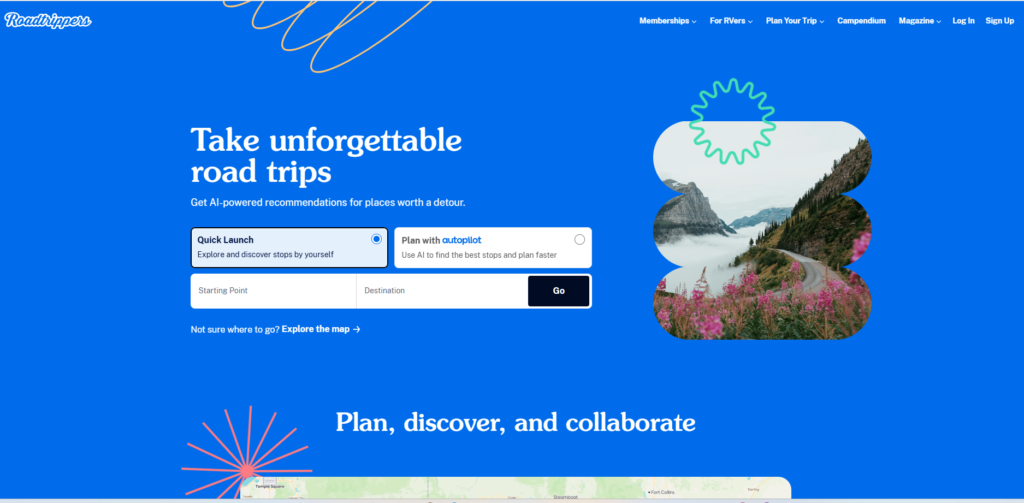
Roadtrippers is the strongest dedicated road trip planner in this category. It is designed around building a trip before departure, not just navigating after the fact. Its official membership page shows clear plan differences by saved trips, number of stops per trip, collaboration, offline maps, live traffic, and RV features. Free users get one saved trip and seven stops, while Premium goes up to 150 stops and adds higher-end features like offline maps, live traffic, and RV tools.
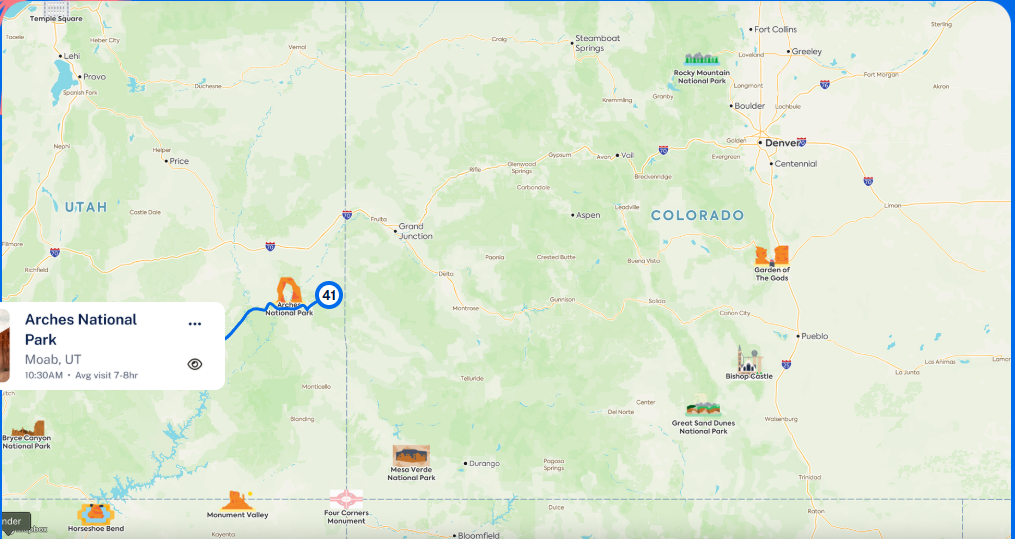
That structure makes Roadtrippers the best fit for travelers who want to map out a real route with meaningful stops, not simply drive from one address to another. It is especially useful for scenic drives, national park routes, and longer trips where discovery matters as much as navigation.
Why it stands out
Roadtrippers feels purpose-built for the question behind this search: “What is the best app to plan a road trip?” It does a better job than a general navigation app when the trip itself needs shaping.
Pros
- Strongest dedicated road trip planning tool in this roundup
- Clear stop limits and upgrade path by plan
- Collaboration, offline maps, and live traffic on higher tiers
- Better for discovery than basic map apps
Cons
- Free tier is restrictive for serious trip planning
- Best features sit behind paid plans
- More useful in supported road trip markets than as a universal global tool
Who should use it
Travelers planning a real itinerary with multiple stops, detours, and overnight decisions.
Who should skip it
Drivers who only need free directions for a simple trip.
Roadtrippers’ official plan table lists the exact annual prices and feature gates, including 1 saved trip and 7 stops on Free, 3 saved trips and 20 stops on Basic, 5 saved trips and 50 stops on Pro, and unlimited saved trips with 150 stops on Premium.
2. Wanderlog
Best for: Collaborative road trip planning
Platforms: Web, iOS, Android
Free version: Yes
Paid plan: Wanderlog Pro starts at $39.99/year
Best fit for: Families, friend groups, shared itineraries, and travelers who want planning plus organization
CTA: See what Wanderlog Pro adds
Wanderlog is the best choice for travelers who want road trip planning with a more collaborative, itinerary-first feel. Its official pages position it as a planner for trips and road trips, with collaboration, route planning, reservations, budgeting, map view, and optional Pro upgrades. The Pro page states pricing starts at $39.99/year and highlights extras such as offline access.
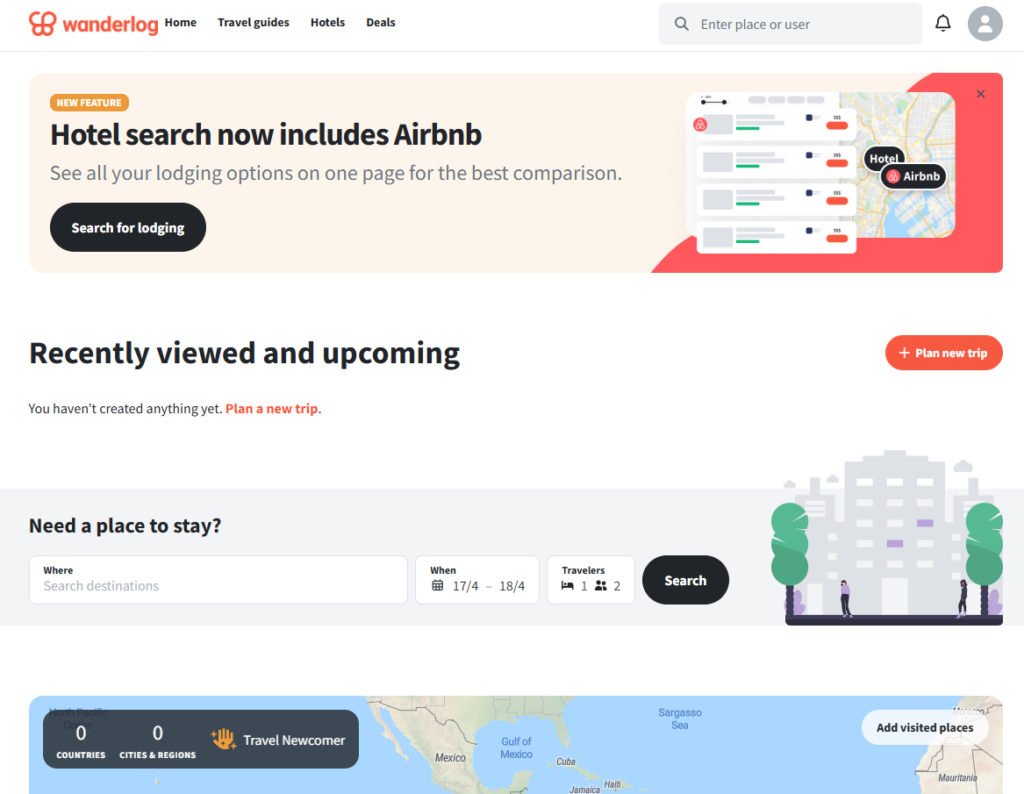
Where Wanderlog beats more road-trip-only tools is shared planning. If several people need to contribute ideas, hotels, stops, notes, and bookings, Wanderlog feels more natural than a tool built mainly around the route itself.
Why it stands out
It is the strongest option for travelers who want to organize the whole trip, not just plot the drive.
Pros
- Strong free version for many users
- Real-time collaboration is useful for couples and groups
- Combines road trip planning with broader itinerary organization
- Pro adds offline access and other convenience features
Cons
- Some valuable features are tied to Pro
- Less focused on roadside discovery than Roadtrippers
- Can feel more like an itinerary manager than a pure road trip app
Who should use it
Families, groups, and travelers who want everyone working from the same plan.
Who should skip it
Travelers who care more about discovering roadside stops than managing a shared itinerary.
Wanderlog’s official product and Pro pages describe it as a planner for road trips and group travel, with collaboration, route planning, budgeting, map view, and paid upgrades beginning at $39.99/year.
3. Google Maps
Best for: Free navigation and offline basics
Platforms: Web, iOS, Android
Free version: Yes
Paid plan: Free
Best fit for: Most travelers who want dependable navigation without paying
CTA: Use Google Maps as your free navigation layer
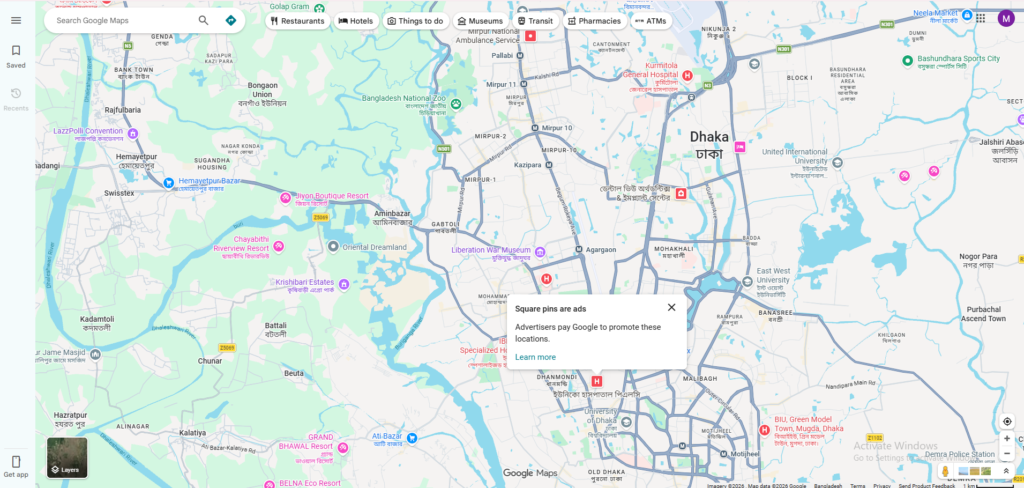
Google Maps remains the best free backbone app for most road trips. It is easy to use, familiar, and supports offline maps, which is still one of the most practical features for long drives through weak-signal areas. Google’s own help pages explain how to download offline maps, manage them, and update them before they expire.
Its weakness is also clear: Google Maps is a navigation tool first. It is not the best app for building a rich multi-stop itinerary with shared edits, notes, and trip structure. That is why Google Maps works best as part of a stack, not always as the only app you use.
Why it stands out
It is free, reliable, and good enough for a large share of trips.
Pros
- Free and easy to use
- Offline maps are genuinely useful
- Strong everyday navigation app
- Works well alongside specialist planning tools
Cons
- Not a full itinerary workspace
- Offline maps need updates before they expire
- Weaker than dedicated planners for complex trip design
Who should use it
Anyone who wants a free, dependable app to handle the actual drive.
Who should skip it
Travelers who want one app to manage the whole trip from planning to shared itinerary to specialist routing.
Google’s official documentation confirms offline map downloads, management, and required updates before expiration.
4. Waze
Best for: Live traffic, hazards, and rerouting
Platforms: iOS, Android, web map
Free version: Yes
Paid plan: Free
Best fit for: Drivers who care most about what is happening on the road right now
CTA: Use Waze for live traffic once your trip begins
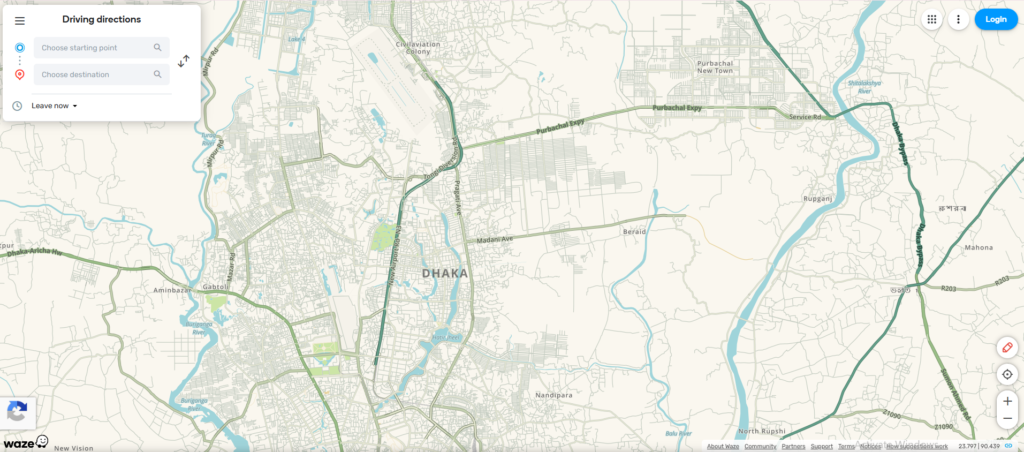
Waze is not the best planning app in this roundup, but it is one of the best driving companions once the trip is underway. Its official help pages show navigation preferences for avoiding toll roads, ferries, and freeways, while also noting that Waze may still suggest those routes if alternatives are limited.
That matters because Waze is built for real-time conditions. It shines when traffic shifts, hazards appear, or the fastest route changes while you drive. It is less useful for pre-trip planning and much better as a second app paired with a planner.
Why it stands out
It is one of the best tools for dynamic road conditions, not static itinerary building.
Pros
- Excellent for live road awareness
- Strong rerouting during active travel
- Useful avoidance settings for tolls, ferries, and freeways
- Free and easy to pair with other apps
Cons
- Weak for pre-trip planning
- Not a true itinerary app
- Avoidance settings are not absolute in every situation
Who should use it
Drivers who want live traffic awareness during the trip.
Who should skip it
Travelers who want to organize a full multi-stop trip before departure.
Waze’s official help page documents its toll, ferry, and freeway avoidance features, along with the warning that available routes may still include those road types.
5. GasBuddy
Best for: Saving money on gas
Platforms: iOS, Android, web tools
Free version: Yes
Paid plan: Core trip tools are free
Best fit for: Budget travelers and long-distance drivers
CTA: Check current gas prices before you drive
GasBuddy earns its spot by solving one of the most expensive road trip problems: fuel cost. Its official website promotes gas price tools and a trip cost calculator, which helps travelers estimate fuel spend before the trip starts.
This is not a full planner or navigation tool, and it does not need to be. GasBuddy is valuable because it focuses on savings. For budget-conscious travelers, that narrow role can make it more useful than a more ambitious app with weaker fuel tools.
Why it stands out
It helps cut a real recurring cost instead of simply organizing the trip.
Pros
- Practical money-saving use case
- Easy to pair with any main map app
- Trip cost calculator adds planning value
- Best fit for gas-powered road trips
Cons
- Not a navigation app
- Not a full itinerary planner
- Less relevant for EV travelers
Who should use it
Drivers who care about fuel savings and trip cost awareness.
Who should skip it
EV drivers or travelers who do not mind paying slightly more for fuel to keep things simple.
GasBuddy’s official site and calculator page position the tool around gas prices and trip fuel-cost estimates.
6. iExit
Best for: Interstate exits, pit stops, and quick decisions
Platforms: iOS, Android
Free version: Yes
Paid add-on: RateSaver introductory pricing listed at $29/year
Best fit for: U.S. interstate road trips
CTA: Use iExit when your trip depends on good pit-stop timing
iExit is a specialist app, but a very useful one for U.S. interstate driving. Its official materials focus on what is ahead at upcoming exits, including gas, food, and hotels, while the RateSaver page promotes hotel discounts with introductory pricing of $29 per year.
That makes iExit the kind of app you appreciate more the longer you drive. It does not replace a planner or a navigator. It handles one narrow but real decision: whether the next exit is worth taking.
Why it stands out
It solves a very practical on-the-road problem that bigger apps do not always solve cleanly.
Pros
- Great for interstate-heavy U.S. trips
- Useful for fast decisions on fuel, food, and hotels
- Strong complement to main navigation apps
- RateSaver may add value for frequent hotel stopovers
Cons
- Not a full road trip planner
- U.S.-specific use case
- Less useful off interstates or on international trips
Who should use it
Drivers who spend long stretches on U.S. highways and want better stop timing.
Who should skip it
Travelers whose trips are mostly urban, international, or already tightly planned.
iExit’s official RateSaver page advertises hotel savings and special introductory pricing of $29 per year, while the app listing emphasizes upcoming exits, fuel, EV stations, food, and rest areas.
7. RV LIFE Trip Wizard
Best for: RV-safe trip planning
Platforms: Web, iOS, Android
Free version: Limited mobile app access
Paid plans: $65/year or $19.99/month
Best fit for: RV travelers who need safer route planning and campground tools
CTA: Check current RV LIFE pricing
RV LIFE Trip Wizard is the best specialist app here for RV travelers. Its support documentation makes the value proposition very clear: RV-safe planning, RV-specific tools, and paid access through RV LIFE Pro. The official support page lists pricing at $65/year or $19.99/month, with the annual option including a seven-day trial.
This is an important category distinction. RV travelers are not just choosing a planner. They are choosing route safety, vehicle-specific guidance, campground planning, and more careful trip design. That makes RV LIFE much more relevant than general road trip apps when the vehicle itself changes the route.
Why it stands out
It is built around RV realities that standard map apps do not handle nearly as well.
Pros
- Better suited to RV constraints than general map apps
- Clear RV-focused planning value
- Strong for campground-first trip design
- Annual and monthly pricing options
Cons
- Too specialized for most non-RV travelers
- Paid subscription required for the best features
- Overkill for simple car-based road trips
Who should use it
RVers who need safer planning and trip tools matched to their vehicle.
Who should skip it
Regular drivers in standard cars who do not need RV-specific routing.
RV LIFE’s official support documentation lists annual pricing at $65 and monthly pricing at $19.99.
8. PlugShare
Best for: EV road trips and charger confidence
Platforms: Web, iOS, Android
Free version: Yes
Paid plan: Free
Best fit for: EV drivers who need charging discovery, filters, and station reviews
CTA: Open PlugShare before any EV road trip
PlugShare is the best EV-specific app in this roundup because it is built around the questions that matter most on an EV road trip: where to charge, which charger types match your vehicle, how reliable stations are, whether others have left useful reviews, and what the charging experience is actually like. PlugShare’s official site describes it as a free EV driver’s app for iOS, Android, and web, with filters, reviews, photos, network coverage, and trip planning tools.
That makes PlugShare more than a charger map. It is a confidence tool. For EV drivers, that often matters more than having yet another general navigation app.
Why it stands out
It gives EV drivers charger-specific context that broader map apps often handle less deeply.
Pros
- Free across web and mobile
- Strong charger filters and review depth
- Useful for real-world charging decisions
- Better EV specialization than a general road trip app
Cons
- Not your only app for a full trip
- Best used alongside a navigation app
- Less relevant for non-EV drivers
Who should use it
EV drivers planning longer routes or charging-dependent trips.
Who should skip it
Gas-powered drivers who do not need EV charging information.
PlugShare’s official product page describes the app as free on iOS, Android, and web, with charging-station discovery, user reviews, filters, and trip planning features.
How To Choose the Right Road Trip App
The easiest way to choose is to decide what job your app needs to do first.
Choose Roadtrippers if you want a dedicated route-and-stops planner.
Choose Wanderlog if you want collaboration and broader itinerary organization.
Choose Google Maps if you want a free, dependable navigation base.
Choose Waze if live traffic and rerouting matter most once you start driving.
Choose GasBuddy if the goal is saving money on gas.
Choose iExit if you spend long hours on U.S. interstates.
Choose RV LIFE Trip Wizard if you travel in an RV.
Choose PlugShare if you drive electric.
The best setup for many readers is still a stack, not a single winner. A planner plus a navigator is often better than asking one app to do everything. That conclusion follows directly from the official positioning of these apps: Roadtrippers and Wanderlog emphasize planning, Google Maps and Waze emphasize navigation, GasBuddy emphasizes fuel savings, RV LIFE emphasizes RV-safe planning, and PlugShare emphasizes EV charging support.
Common Mistakes To Avoid
Do not pay for a planning app if all you need is directions.
Do not rely on a free navigation app to behave like a full itinerary manager.
Do not ignore specialist tools if you are traveling by RV or EV.
Do not assume the “best overall” app is automatically the best app for your kind of trip.
That last point matters most. This category is broad, but your use case usually is not.
Why Trust This Guide
This guide was built from official product pages, help-center documentation, and current pricing pages checked on April 2, 2026. I used official sources wherever plan limits, pricing, offline features, or specialist capabilities could change over time. I did not rely on app-store ratings as the main ranking factor, and I did not claim hands-on testing where none was provided.
FAQ
What is the best road trip app overall?
For dedicated road trip planning, Roadtrippers is the strongest overall pick because it is built specifically for multi-stop trip design and has the clearest planning-focused feature set.
What is the best free road trip app?
For most travelers, Google Maps is the best free starting point because it offers reliable navigation and offline maps. Wanderlog is the better free option if you want more planning and collaboration.
Is Google Maps enough for a road trip?
Yes for many simple trips. No if you want a richer itinerary workspace, group collaboration, or specialist RV or EV tools.
What is the best app for RV road trips?
RV LIFE Trip Wizard is the best fit in this list for RV travelers because its pricing and positioning are built around RV-safe planning, not just regular navigation.
What is the best app for EV road trips?
PlugShare is the best EV-specific pick here because it is a free charger-discovery and trip-planning app across web and mobile.
